 Dio File Manager
A fast, light and smooth file manager.
For Windows, written in C. One file under 800 KB.
Small, and it keeps up.
Reflows as you drag
The sidebar slides away when there is no room.
800 KB
One .exe, at most
Written in C.
Search below any folder
And open a shortcut's file.
Everyday work
Box select, cut, paste, back.
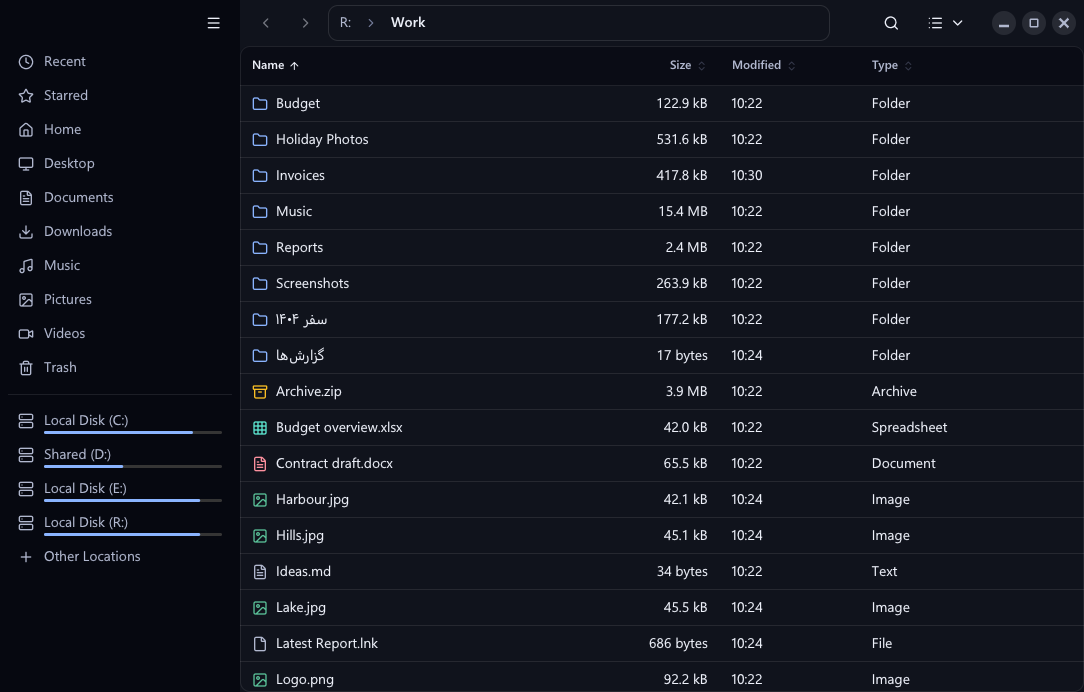
Real folder sizes
Measured in the background.
Win+E
Instead of Explorer
One switch, and one to give it back.
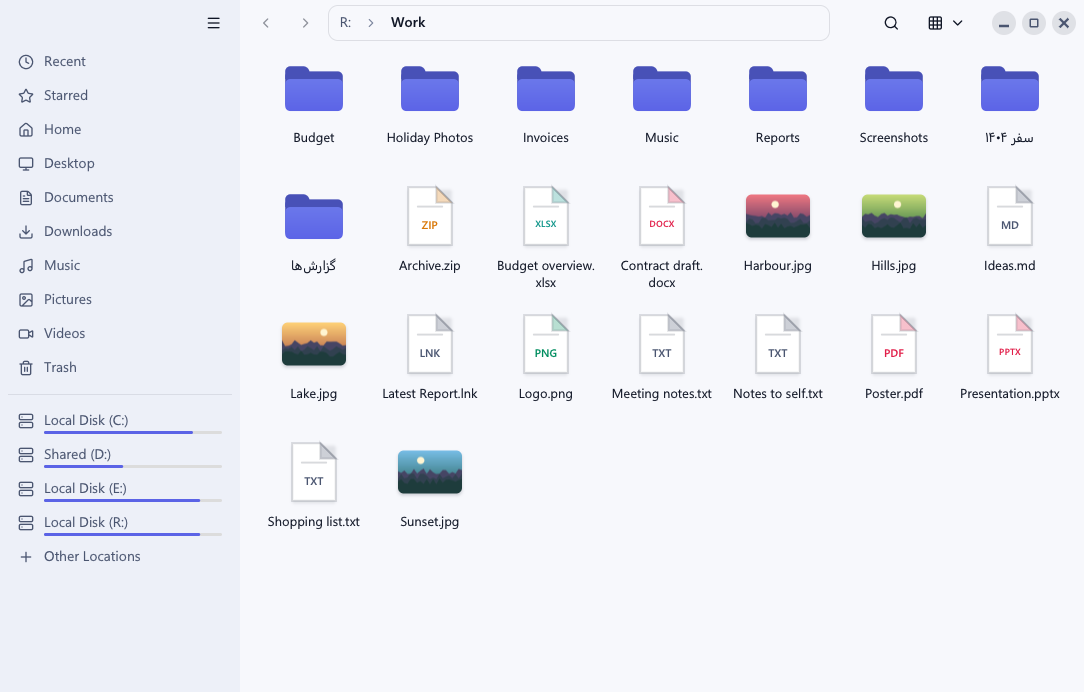
Light or dark
It follows Windows.
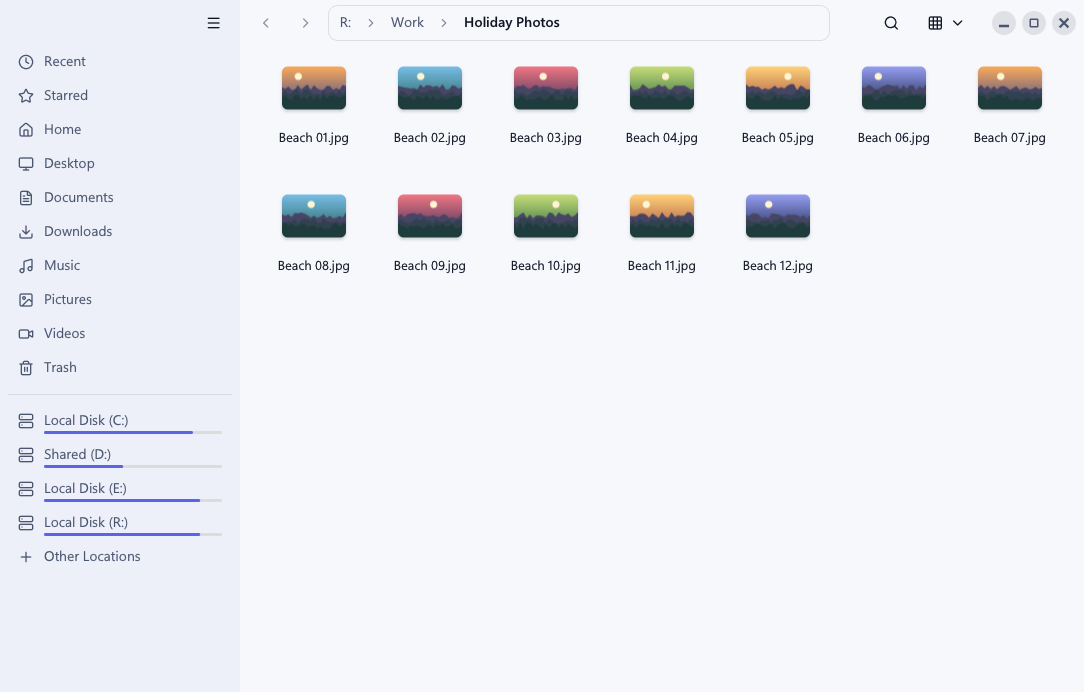
Pictures and any language
Thumbnails, and file names in Persian too.
Install it your way.
Tested on Windows 11, not yet on Windows 10.
Paste this into Claude Code, Codex or another coding agent. It takes under a minute.
Install Dio File Manager on this Windows PC and make it my default file manager. In PowerShell, run:

irm https://github.com/omid3098/dio-file-manager/releases/latest/download/install.ps1 | iex

Then tell me to press Win+E.
One file. Download it and set it up yourself.
Download the app
- Open itPut the file in a folder of your own and open it. It is not signed, so Windows may warn you the first time: choose More info, then Run anyway.
- Make it the defaultOpen the main menu, the three lines at the top, and turn on Use as Default File Manager. Win+E follows after you sign out and back in.
- Pin itRight-click the file and choose Pin to Start.