What's Actually Inside Google AI Ultra?
Two days ago I canceled my Claude subscription and switched to Google AI Ultra (the 30 TB plan, €220 a month in Germany) to test it as my main tool for a month.
It hasn’t even been two days yet, so this is not a review of the models. I’ll write about that in one or two weeks. Google really didn’t explain well what comes with this plan, so I just listed what is actually in it, what goes to your family, and a few things that can catch you off guard on the first days.
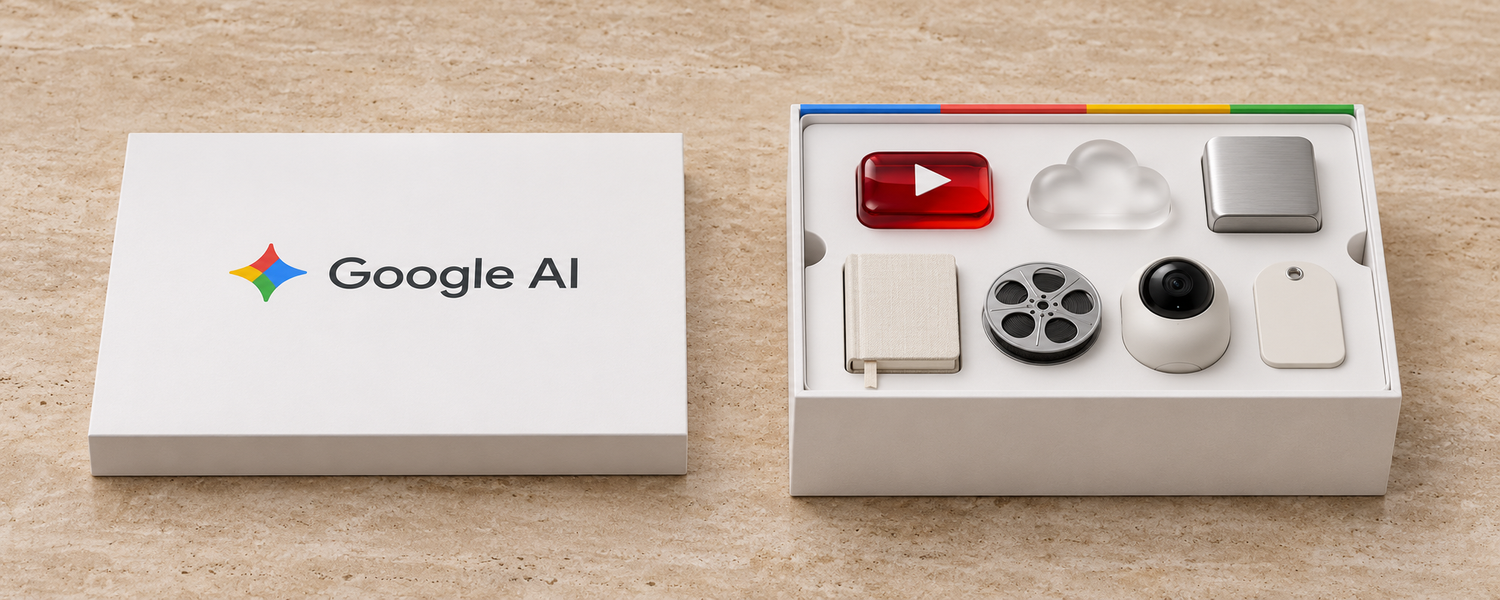 The top layer: the things most people already know about.
Yesterday morning I tweeted a short list of the things I noticed first:
نتونستم مقاومت کنم! اشتراک کلاد رو کنسل کردم که یک ماه Gemini ultra رو بعنوان پروایدر اصلیم تست کنم.
— OMID 🍋 (@QDC98) November 21, 2026
مزایا تا اینجا:
- اشتراک یوتوب فمیلی
- اشتراک مدلهای AI شامل ویدیوساز و بقیه با فمیلی (بین همه تقسیم میشه)
- فضای گوگل درایو با فمیلی (بین همه تقسیم میشه)
- گوگل هوم پریمیوم… https://t.co/81QMIUEQyE
My morning tweet in Persian listing YouTube Family, shared AI models and video credits, Drive storage and Google Home Premium.
What the whole family gets:
You can share this plan with up to 5 other people in a Google Family group. Everyone gets these (see Google One benefits):
| Benefit | What you get | Shared or separate? |
|---|---|---|
| YouTube Premium | Ad-free YouTube for everyone | Shared family plan |
| 30 TB storage | Google Drive, Gmail and Google Photos | Shared pool |
| Gemini + Workspace | Top Gemini limits plus AI inside Gmail, Docs, Sheets, Meet and Calendar | Separate history and files for each person |
| NotebookLM | Up to 500 notebooks, slides and infographics from your PDFs and links, no watermark | Separate for each person |
| Google Flow | Video, image and music generation with 25,000 credits a month | Shared credits |
About the 30 TB storage: it is shared across everyone, though I wouldn’t recommend getting locked into a cloud storage service like this.
What stays only for you:
Some benefits only work for the account that pays for the plan and don’t go to the family. You get 10% back as Google Store credit when you buy something from Google’s store. You also get Google Home Premium, which gives you AI features and video history if you have Google cameras or doorbells at home.
Then there is the Google Developer Program. I didn’t know about this part until Masoud replied under my tweet and mentioned the monthly Google Cloud credit. That reply made me go look deeper to see what else is in this package:
یه ویژگی خیلی مهمش رو ننوشتی
— Masoud (@masouwed) November 21, 2026
حساب اولترا مبلغ 40 دلار هر ماه حساب Google Cloud رو شارژ میکنه که میتونی باهاش از تمام امکانات سرویسهای ابری گوگل (حتی Gemini API) استفاده کنی
برای حساب پرو ۱۰ دلار در ماه میده
نکته: اینها رو باید دستی توی ai studio هر ماه فعال کنی
In Persian, Masoud said Ultra gives you monthly Google Cloud credit that also works for the Gemini API, and you have to claim it manually.
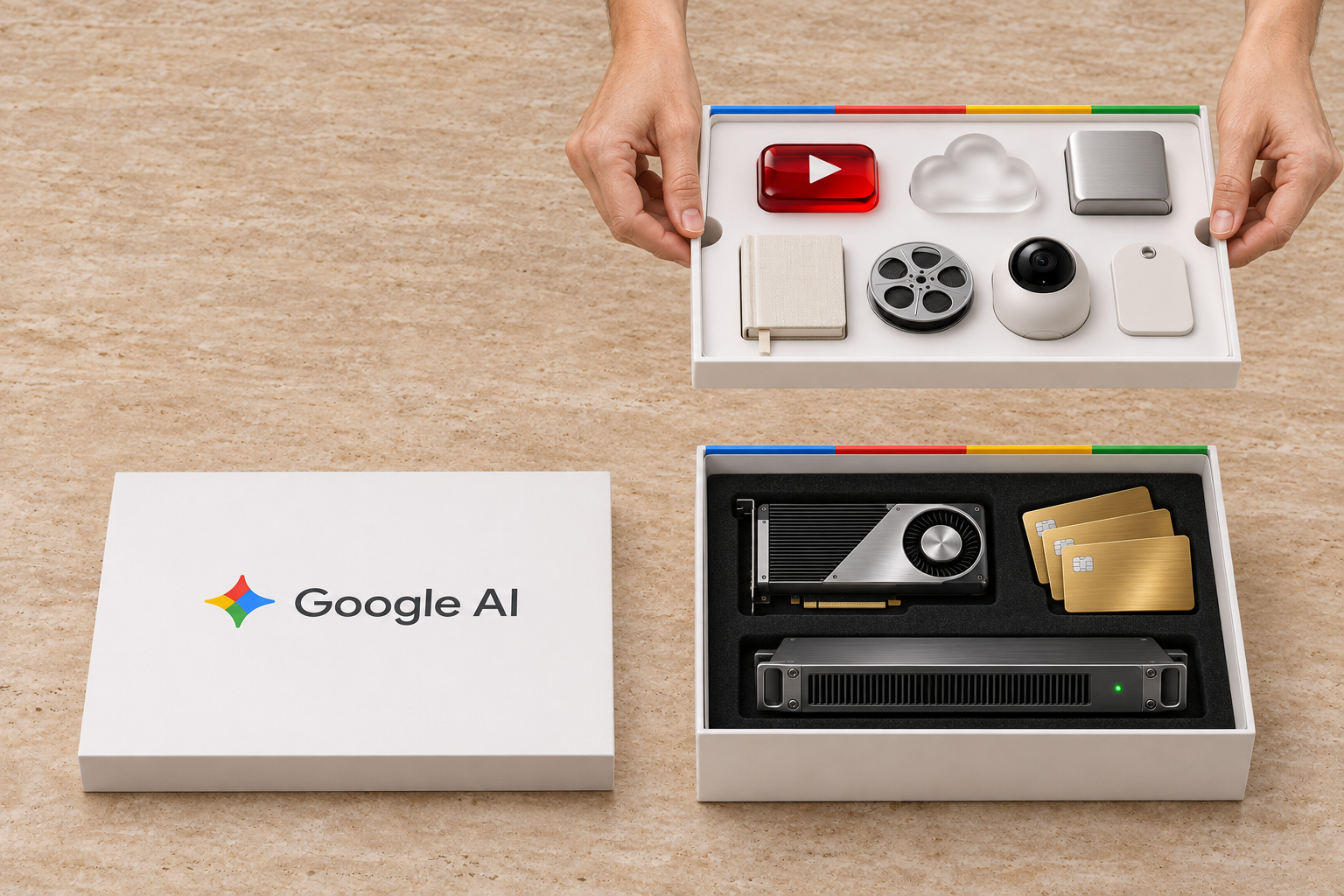 Under the top tray: the developer tools and credits.
The technical part (what surprised me):
If you code or work with AI tools, these three things alone are worth a lot.
First, you get $100 a month in Google Cloud and AI Studio credit. Most places say $40 a month, because the 20 TB plan gets $40, while the 30 TB plan gets $100 (see plans and pricing). These credits stay valid for a year and add up, and you can spend them on the Gemini API or other Google Cloud services.
Second, you get Google Colab with 2,000 compute units a month. You can run heavy video, audio or AI training jobs on strong Google GPUs instead of your own PC, and they keep running for up to 24 hours even if you close the browser. What I really liked is that it doesn’t have to stay inside a browser anymore. You can connect it directly to coding agents. I tried it that night: a GPU on Google’s server started in 4 seconds, ran my code, and we turned it off right away so it wouldn’t waste credits. Just keep in mind that files on that server are temporary, so save anything important to Google Drive or GitHub.
Third, you get Jules. It connects to your GitHub repos, writes code and runs tests on Google’s servers, up to 300 tasks a day. I just installed it and haven’t used it on a real project yet. To start, it is better to connect only public or non-sensitive repos.
Next to these, there are a few smaller things like Firebase Studio cloud workspaces, monthly Google learning credits, and a joint course with NVIDIA.
Three traps on the first days:
1. Separate YouTube Family doesn’t cancel automatically
Earlier when I subscribed to Grok Bot, they automatically canceled my old X Premium plan and refunded the rest of it.
اشتراک grokbot رو هم گرفتم 😶🌫️. ماه آینده یکی از سرویسهای فعلی باید حذف بشه. جالب بود که خودشون اشتراک پریمیوم X رو ریفاند کردن و اشتراکم رو بردن روی SpaceX. یعنی تقریباً نصف هزینهٔ اصلی سرویس شارژ شدم.
— OMID 🍋 (@QDC98) October 25, 2026
When I got Grok Bot, X refunded my old Premium subscription automatically.
Google didn’t do that. Upgrading to Ultra replaced my old Google AI plan, but my separate YouTube Family subscription stayed active. If you already have one, cancel it by hand on day one so you don’t pay twice.
2. Don’t put the $100 credit on the wrong billing account
Once you activate this credit on a Google Cloud billing account, it gets locked there and you can’t move it. If you still have an old billing account on your profile with another country or currency, make a new billing account first before activating the credit. Also, to start using the API, Google asks for a small prepaid deposit (about €5 in Germany), and after that it spends your monthly credits first.
3. Things we still don’t have in Europe
Because of EU rules, some features you see in the news (like Gemini inside Chrome and Auto Browse) are not active in Germany yet. Google’s Black Friday discount also skips the Ultra plan and only works on lower tiers.
Is it worth it?
Honestly, €220 a month is not cheap. If someone only wants it for daily chat by themselves, it is too expensive.
For me it made sense because it replaced Claude, YouTube Family and my old Google plan, it is shared with my family, and I actually use the $100 Cloud credit and Colab GPUs in my daily work.
I’ll also keep an eye on my usage for a while. If that $100 monthly API credit can handle the bots I currently keep a Codex subscription for, I’ll probably cancel Codex too.
After one or two weeks of real use, I’ll write about the model quality and usage limits. If there is another useful perk in this plan that I missed, let me know on X.